
First parcel
How to use Superbuy and this Spreadsheet, end to end
The steps in order, what the check on this site is for, where inspection photos fit, and an honest note on when another agent would serve you better.
The search above is step one if you do not have a link yet.
Home / Using Superbuy from link to parcel
From a link to a declared parcel, step by step
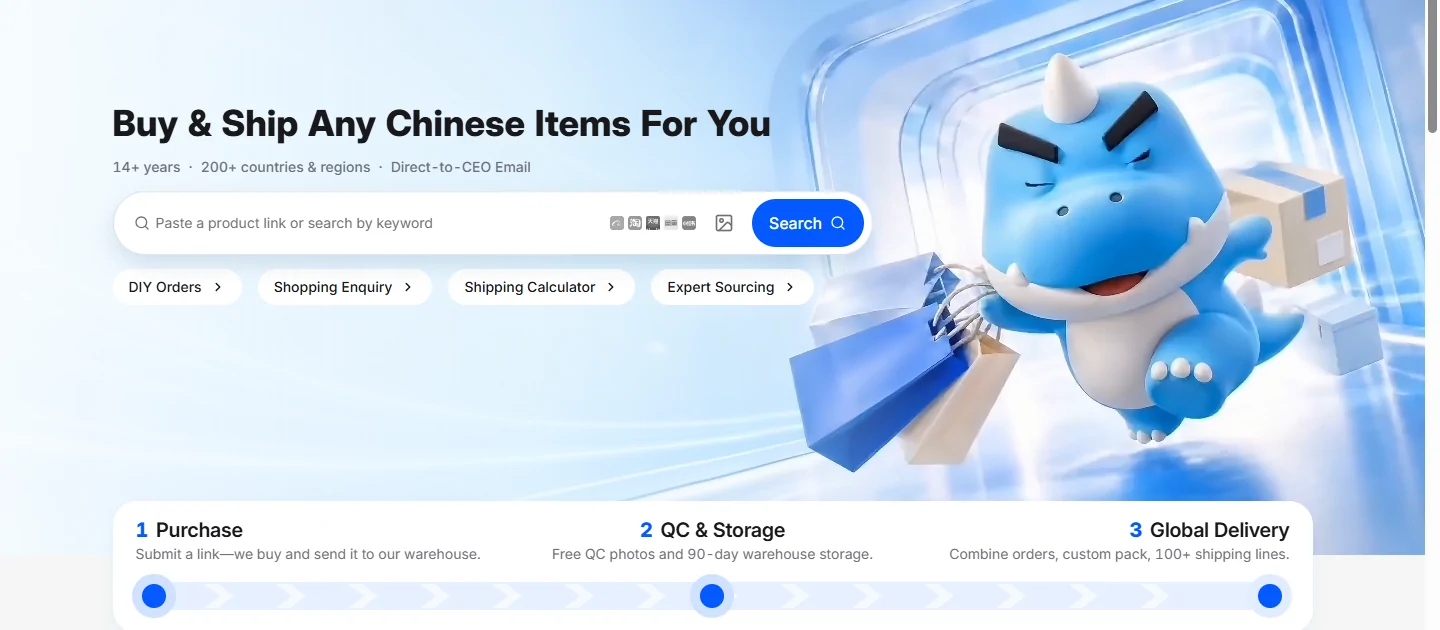
The operator compresses its service into three steps on its own homepage. Here is the same path with the declaration steps put back in, because those are the ones this site is about.
- Find the item. Browse a category above, or paste a marketplace link straight into the operator's search bar. The platforms it parses are grouped on its user guidance page.
- Place the order and pay for the item plus domestic shipping to the warehouse. On the mainstream marketplaces there is no purchasing service fee; the second-hand platforms are the exception and are priced on the charges page.
- Wait for arrival. The warehouse measures and photographs the item within 24 hours of arrival, and flags it if it is mail-restricted.
- Decide what ships together. Items can go in one parcel or several at no consolidation charge, but a single restricted item can hold up the group.
- Pick a line and declare. This is the step that decides everything else. Run the country check before you type a figure.
- Pay the international shipping bill and, if you want it, buy cover before dispatch rather than after.
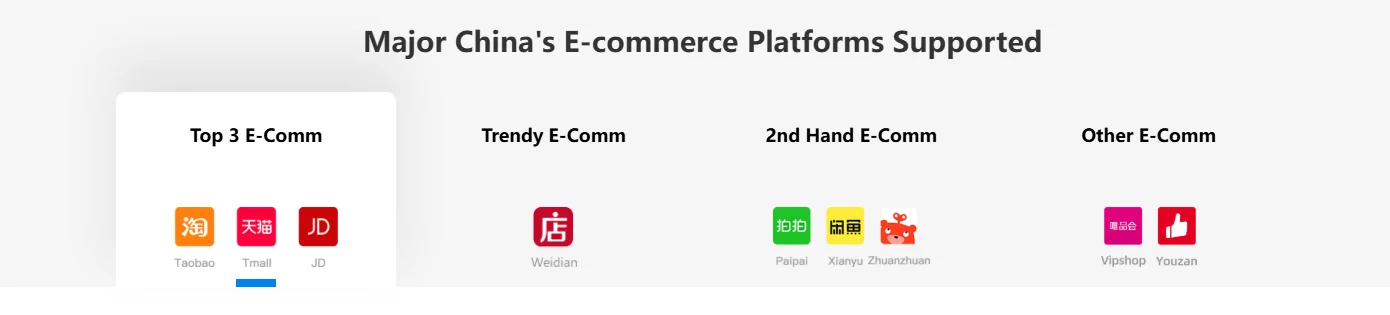
Which marketplaces it reads
The user guidance page groups supported platforms into four blocks rather than listing them flat, and the second-hand block is the one that behaves differently at checkout. If you are pasting a link and nothing resolves, that grouping is the first place to look.
Payment at top-up runs through the methods on the operator's payment page, which documents Alipay, WeChat and a European online banking option with its own supported currency.
Reading the destination lookup on this page
The check has two inputs and it is meant to be used at one specific moment: after the warehouse has weighed your parcel and before you submit the delivery order.
Put in your destination country and the figure you were going to declare. What comes back is every line that publishes a limit for that country, where your figure sits against the dated limits; current customs taxes must be checked separately. If your accurate value exceeds a listed limit, ask the agent for an eligible current route. Splitting does not automatically resolve taxes or acceptance.
It does not predict inspection, score a listing or rank a line. Those would all require data nobody publishes.
On the operator's side, the equivalent screens are the shipping calculator for a freight estimate and the self-service tiles above for tracking, urging a delivery and checking your balance. Urged Delivery is the one first-time users rarely find.
Inspection photos, in one section
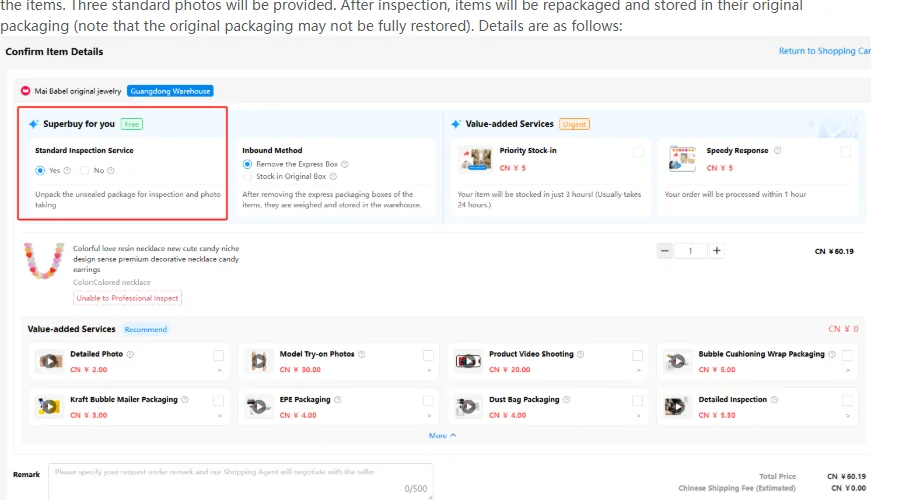
A standard inspection and a standard photo set come free with an order. The operator describes the standard inspection as screening for prohibited goods and checking style, quantity, colour, size, model and defects, with the photographs provided after it.
How to check a QC set is simple enough to state here, and it does not need an expert eye. Compare the photos against the four attributes the inspection itself names, in that order: style, colour, size and model. Then ask what to look for in a QC set that it cannot show you, which is the inside of sealed packaging, and decide whether you want it opened before it is stored.
Two rules on the same page are easy to miss. Sealed products are inspected from the outside by default. And declining the standard inspection means the item is photographed but not verified, with the associated risk assumed by you.
Prices on the inspection screen are the operator's sample values. Paid inspection depth is outside the scope of this site.
Where the published caps help, and where they do not
Every large agent does the same four things: buys on your behalf, warehouses the item, consolidates, and hands it to a carrier. Judging between them on "service" is not possible from outside, so judge on what is published.
On this subject, Superbuy publishes more than most. A declared-value table with 242 rows and a line-by-line breakdown, a threshold table with its own disclaimer, a counterfeit policy with its own help category, and an announcements feed where route changes are dated. That is the specific reason to use it for a parcel where declaration is the hard part.
When you should use a different agent: when your destination is not in the line table at all, when your parcel is bulky enough that an ocean specialist would serve you better than a customized-logistics email thread, or when you need a marketplace this one does not parse. None of those are failings. They are just the edges of what it publishes.
We are an official partner of the agents we cover, and the sign-up link carries our referral code. It costs you nothing and it does not change a single number on this site, all of which come from the operator's own pages.
Keep, return or ship—and what happens at delivery
Match QC photos to your saved size, colour and quantity. If a measurement or close-up is missing, request that specific check. For a wrong or damaged item, ask about the seller’s return approval, costs and deadline before submitting it for international dispatch.
After paying the shipping quote, follow the parcel record and carrier handover. If tracking stalls, contact support with the parcel number and last scan. At delivery, photograph visible damage and retain the outer packaging and label while reporting missing or damaged goods.