
Destination first
Superbuy Spreadsheet rules, read by destination country
Browse products, check the original listing and use Superbuy to buy and inspect your order. Before shipping, compare the destination requirements, declared-value limits and route options for the actual parcel.
Keyword search opens a product catalogue of listings you can browse by category.
Sixteen categories to browse
Sixteen picture tiles, each opening a catalogue of listings in that category. Start here if you came for something to buy and read the rest if you want to know what happens to it at your border.
 ShoesCategory
 Jackets and coatsCategory
 HoodiesCategory
 T-shirtsCategory
 JeansCategory
 SweatpantsCategory
 WomenswearSearch results
 JerseysCategory
 BagsCategory
 Caps and hatsCategory
 BeltsCategory
 EyewearCategory
 FragranceCategory
 JewelleryCategory
 WatchesCategory
 ElectronicsCategory
Womenswear has no category of its own, so that tile runs a keyword search instead. The badge on each tile says which of the two you are opening.
What is a Superbuy Spreadsheet?
A product discovery site organised into category cards. It links you to original listings; it does not sell the goods or guarantee that an agent or shipping route will accept them.
How to use the Superbuy Spreadsheet
Search by item or style, compare the seller, options and measurements, then save the product link and exact variant. Before paying, check whether your item can be purchased and sent to your destination.
Why use this Spreadsheet?
It connects a shortlist to the questions needed before dispatch: product restrictions, route limits, declaration and cover. The destination lookup helps you read a dated agent table; it does not calculate current customs tax or approve a parcel.
Prepare an accurate declaration
The description and value must match the actual contents and your order records. A route’s published value cap is different from a government tax threshold. Do not lower the value to make a route appear eligible.
Understand declared value and the table lookup · Check destination requirements
Look up the agent’s published route limits
Choose a country and an accurate value to compare it with the dated limits in the agent’s table. A value inside that range does not confirm current route availability, product acceptance or tax treatment.
Before you submit the parcel
Check the item restrictions, then compare routes and parcel dimensions. Save the accepted quote and read what its cover includes.
If the parcel is late, missing or damaged
Use the parcel number and tracking scans when contacting support. Keep the packaging and delivery photos for a damage or missing-item claim, and confirm the applicable deadline. Read the cover and claim guide.
What is the Superbuy agent?
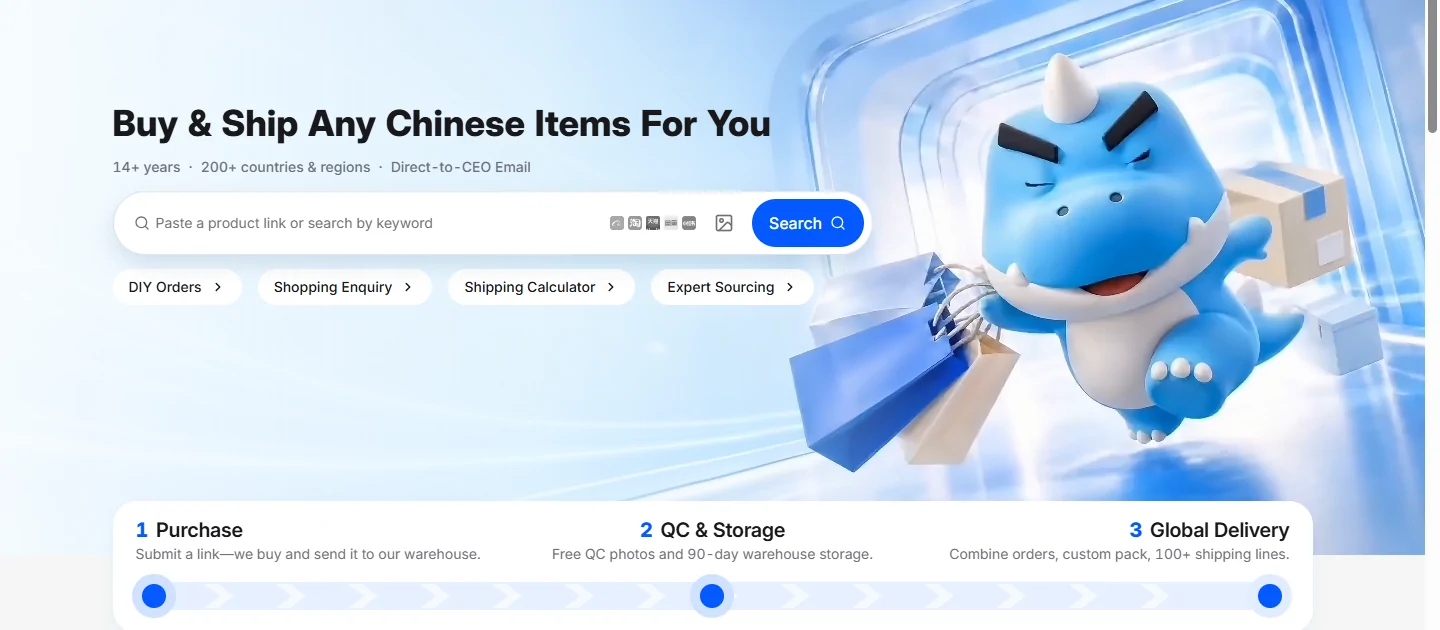
Superbuy buys from Chinese sellers on your behalf, receives and photographs the goods at its warehouse, and arranges the international parcel you select. It handles the buying and forwarding steps; the seller supplies the item.
How to use Superbuy
Import the product link and confirm the options and first payment. Review warehouse QC and resolve any extra-photo or return request. Select your goods, packing and shipping line, pay international shipping separately and track the parcel to delivery.
Why choose Superbuy?
It may suit buyers who need warehouse photos, multiple ordering methods and several purchases collected before dispatch. Check current item acceptance, route availability and fees. Compare another service when it cannot meet the destination, payment or inspection requirements for your order.
Guide, Help Centre and FAQ
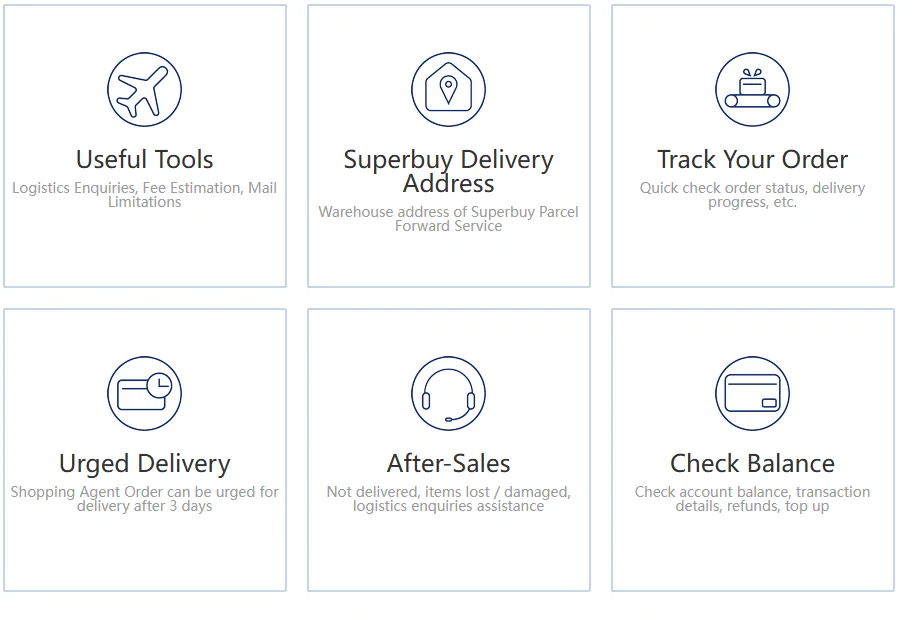
Start with the full buying guide if you have not ordered yet. The Help Centre, FAQ and glossary explain where to take an order, parcel or account question.
Use dated service notices before relying on an old route table or estimate.
- Declared valueThe 242 published rows, the three consequences, and the six lines taxed on what you wrote.
- DestinationsThresholds by country, Canada province by province, and the 10 kg line between personal and commercial.
- RestrictionsThe export ban, the limited list, the sensitive categories and the one hard volume number.
- Routes30 kg, 120 cm, 70 cm, and what the warehouse measures before it quotes you.
- ChargesThe published cost formula, the declaration fee itself, and the exchange rate that applies to tax.
- FAQ and glossaryThe words on the declaration screen, and where to ask when the article does not cover it.